Lili Royale App for iPhone (iOS): Install Steps and Browser Alternative
Why there may be no App Store version and what iOS users should do
As of now, Lili Royale does not offer a downloadable app through the official Apple App Store. Many online casinos and sportsbooks serving the Philippines choose not to distribute through the App Store due to Apple's strict policies on real-money gambling apps in regions where regulatory frameworks are evolving.
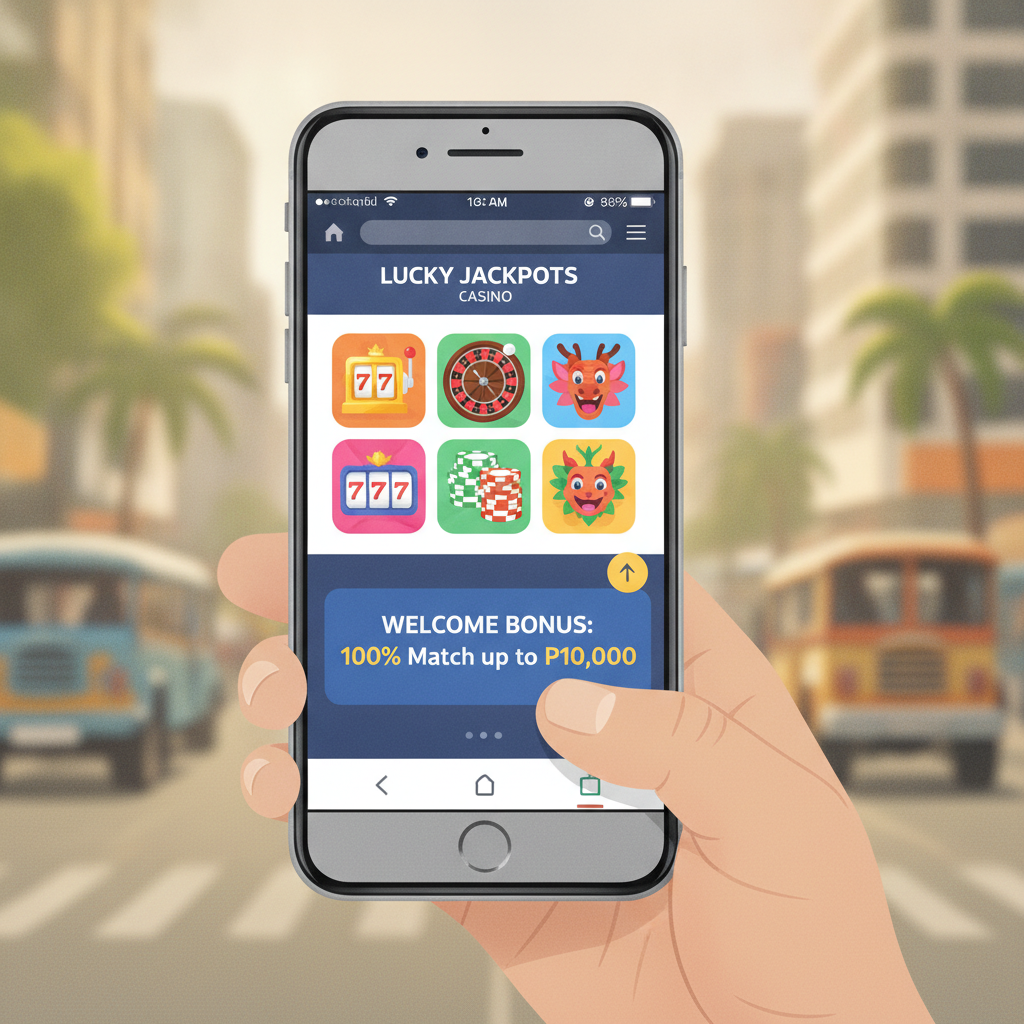
iOS users should use the mobile website through Safari or Chrome instead. The mobile site is fully optimized for iPhone screens and provides access to the same slots, live dealer tables, PBA and NBA sports betting, and bingo that Android users get through the APK file. You can deposit and withdraw through GCash, Maya, InstaPay, and PESONet directly from the mobile browser.
If you see any "Lili Royale iOS app" advertised outside the App Store, do not download it. Third-party app files for iOS that require jailbreaking or enterprise certificates carry security risks and may compromise your GCash or Maya account credentials.
The safest and most practical approach for iPhone users is to add the Lili Royale mobile site to your home screen, which creates a shortcut that behaves much like a native app.
Adding the mobile website to your iPhone home screen as a web app
You can turn the Lili Royale mobile website into a home-screen icon that launches in full-screen mode, hiding the Safari address bar and navigation controls. This process takes less than a minute.
Step-by-step instructions:
- Open Safari on your iPhone and go to the Lili Royale website. Log in to your account or browse as a guest.
- Tap the Share button at the bottom center of the Safari window (the square icon with an upward arrow).
- Scroll down the share menu and tap "Add to Home Screen."
- You will see a preview of the icon and a text field for the name. You can keep "Lili Royale" or shorten it to something memorable.
- Tap Add in the top-right corner.
The Lili Royale icon will now appear on your home screen alongside your other apps. Tapping it will open the site in a standalone Safari window without the browser chrome, giving a cleaner, app-like experience.
Important note: This web app shortcut does not install files onto your device the way an APK does on Android. It simply bookmarks the mobile website and launches it in full-screen Safari. You will still need an active internet connection—Wi-Fi or mobile data—every time you open it.
Performance and feature differences between APK (Android) and iOS web app
Lili Royale provides an APK file for Android users who want to install a standalone app, while iPhone users rely on the mobile website accessed through Safari. Both options deliver the same core features—slots, jackpot games, live dealer tables, PBA and NBA sports betting, bingo, GCash and Maya deposits, and withdrawals—but there are practical differences in how they run.
Installation and updates:
- The Android APK is a file that installs onto the device. When Lili Royale releases an update, Android users may need to download and install the new APK manually unless the app has a built-in updater.
- The iOS web app is not installed. Every time you open the home-screen shortcut, Safari loads the latest version of the site from the server, so you always have the most current layout, game library, and features without downloading anything.
Launch speed and caching:
- The APK may launch slightly faster on repeat visits because assets like images and scripts are stored locally on the device.
- The iOS web app depends on Safari's cache. The first load after clearing your browser history or switching to a new Wi-Fi network may take a few extra seconds. Subsequent visits are usually fast if Safari has cached images and game thumbnails.
Push notifications:
- Some Android APKs support push notifications for deposit confirmations, withdrawal updates, or promo announcements.
- Safari web apps on iOS do not support push notifications for third-party casino sites. You will need to check your account manually or enable email or SMS alerts if Lili Royale offers them.
Battery and data usage:
- Both the APK and the iOS web app consume similar amounts of data when loading live dealer streams or sports betting odds.
- Battery drain is comparable. Safari on iOS is efficient, but running live games or multiple bet slips over mobile data will drain your battery regardless of platform.
Payment integration:
- GCash, Maya, InstaPay, and PESONet work the same way on both platforms. You will be redirected to the GCash or Maya app (or your mobile banking app) to authorize deposits and withdrawals. After confirming the transaction, you are returned to Lili Royale automatically.
Game library and limits:
- The game library, betting limits, deposit and withdrawal limits, and processing times are identical for Android APK users and iOS web-app users. Your account settings, balance, and transaction history are stored on Lili Royale's servers, not on your device.
In short, iOS users do not miss out on essential functionality by using the web app instead of a native app. The main trade-offs are slightly longer initial load times and no push notifications.
Saving login credentials in Safari for quicker access
If you use the Lili Royale iOS web app regularly, you can save your login credentials in Safari to speed up sign-in. iOS offers built-in password autofill through iCloud Keychain.
How to enable autofill:
- Go to Settings > Passwords on your iPhone.
- Make sure AutoFill Passwords is turned on.
- The first time you log in to Lili Royale in Safari, iOS will ask if you want to save your password. Tap Save Password.
The next time you open the Lili Royale web app and tap the username or password field, iOS will suggest your saved credentials above the keyboard. Tap the suggestion to fill both fields instantly.
Security tips:
- Use a strong, unique password for your Lili Royale account. Do not reuse the same password you use for GCash, Maya, or your bank.
- Enable Face ID or Touch ID for iCloud Keychain. This adds a biometric layer before autofilling passwords, so even if someone picks up your unlocked phone, they cannot access your casino account without your face or fingerprint.
- If you share your iPhone with family members or frequently hand it to others, consider not saving your password. Type it manually each time to prevent accidental or unauthorized access.
Staying logged in:
Lili Royale may keep you logged in for a set period—often several days—if you do not manually sign out. However, if you clear Safari's cookies or use Private Browsing mode, you will be logged out automatically. For convenience and security, most players log in each session and log out when they finish, especially when using mobile data in public places.
21+; set time and money limits before playing
Lili Royale is intended for players aged 21 and over in the Philippines. Online gambling involves real money and carries the risk of loss. Before you open the app or web shortcut on your iPhone, take a moment to set personal limits.
Practical steps:
- Decide how much you can afford to deposit in a week or month. Typical deposits range from PHP 100 to PHP 500. Only use money you can afford to lose.
- Set a time limit for each session. Slots, live dealer games, and in-play sports betting are designed to be engaging, and it is easy to lose track of time.
- Check if Lili Royale offers deposit limits, session reminders, or self-exclusion tools in the account settings. Use these features if they are available.
- Never chase losses. If you have a losing streak, log out and take a break rather than depositing more to try to win it back.
If gambling is affecting your finances, relationships, or well-being, seek help. Organizations such as Gamblers Anonymous Philippines offer support and resources.
Remember that online casino games and sports betting are forms of entertainment, not income sources. No strategy or app feature guarantees winnings. Play responsibly, stay within your budget, and know when to stop.
This guide is an independent resource for Lili Royale players. It is not operated by or affiliated with Lili Royale. For official support, contact Lili Royale's customer service team directly.